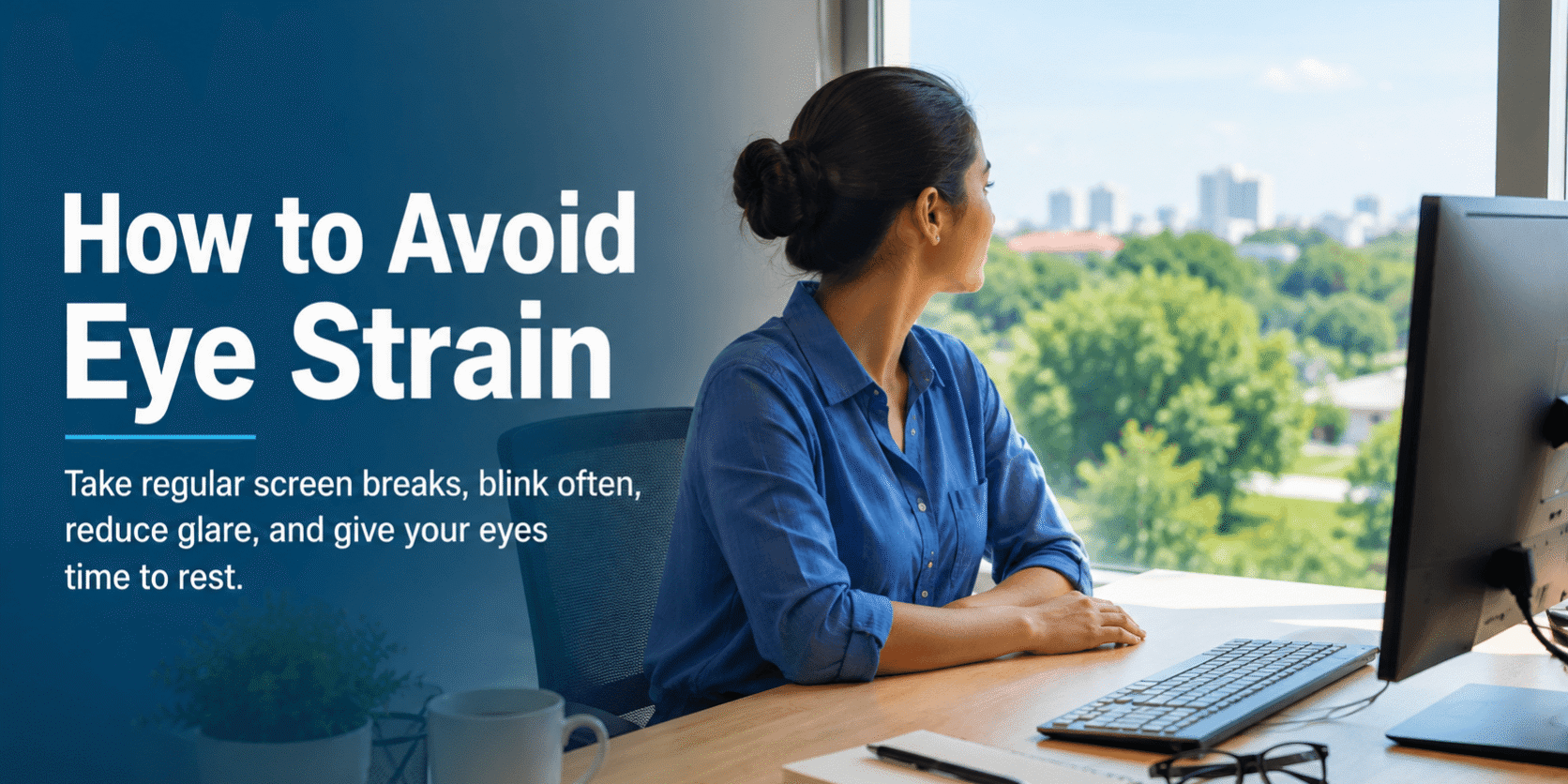
How to Avoid Eye Strain: Simple Tips for Healthy Eyes
Eye strain is common, especially when you spend long periods looking at computers, smartphones, tablets, or other screens. Symptoms can include tired or sore eyes, dryness, blurred vision, headaches, and difficulty focusing. Learning how to avoid eye strain can help make screen use more comfortable and support healthy visual habits.
What is Eye Strain?
Eye strain, sometimes called digital eye strain, occurs when your eyes become tired after prolonged visual activities. It is usually temporary and often improves after resting your eyes.
Long periods of screen use can contribute to eye strain because you may blink less frequently, focus continuously at a close distance, or work in uncomfortable lighting or viewing conditions.
How to Avoid Eye Strain
Follow the 20-20-20 Rule.
One simple way to reduce eye strain is to follow the 20-20-20 rule. Every 20 minutes, look at something about 20 feet away for at least 20 seconds.
This gives your eyes a short break from continuous near focusing.
Take Regular Screen Breaks
Avoid spending several hours continuously looking at a screen. Stand up, walk around, stretch, or briefly focus on objects at different distances during longer periods of computer or phone use.
Adjust Your Screen Position
Position your computer screen comfortably so you do not need to bend your neck or strain your eyes. Keep the screen at a comfortable viewing distance and slightly below eye level when possible.
Increasing text size can also make reading easier and reduce the need to squint.
Reduce Glare and Use Comfortable Lighting
Bright reflections from windows, overhead lights, or glossy screens can make your eyes work harder. Adjust your screen position, room lighting, and display brightness to reduce glare.
Avoid using a very bright screen in an otherwise dark room when possible.
Remember to blink.
People often blink less frequently when concentrating on digital screens. Conscious blinking can help spread tears across the surface of the eyes and reduce dryness.
If your eyes frequently feel dry or irritated, an eye specialist can determine whether additional treatment is appropriate.
Maintain a Comfortable Working Environment
Air from fans, air conditioners, or heaters can contribute to eye dryness. Try to avoid having airflow directly toward your face, and maintain a comfortable environment while working.
Get Your Vision Checked
Uncorrected vision problems, including difficulty focusing or an outdated glasses prescription, may contribute to eye discomfort. Regular eye examinations can help identify vision problems and other eye conditions that may need attention.
When to See an Eye Specialist
Occasional eye strain usually improves with rest and changes to your visual habits. However, you should consider seeing an ophthalmologist if symptoms are persistent, severe, or interfering with your daily activities.
Seek professional evaluation if you experience persistent blurred vision, significant eye pain, sudden changes in vision, double vision, or other unusual symptoms. These symptoms should not automatically be attributed to eye strain.
Key Takeaways
- Follow the 20-20-20 rule during prolonged screen use.
- Take regular breaks from computers, phones, and other close-up tasks.
- Adjust screen position, text size, brightness, and lighting for comfort.
- Blink regularly to help reduce screen-related dryness.
- Have your vision checked if eye discomfort continues or affects daily activities.
- Persistent pain or changes in vision should be evaluated by an eye specialist.
Conclusion
Knowing how to avoid eye strain can make prolonged screen use more comfortable. Regular breaks, the 20-20-20 rule, comfortable lighting, proper screen positioning, frequent blinking, and appropriate vision correction can all help reduce eye discomfort. If symptoms persist or you notice significant pain or changes in vision, consult a qualified ophthalmologist for an appropriate evaluation.